DesignCraft Deep Dive: Layout and Publishing with designcraft-cli
If OfficeCLI solves "Office file automation", DesignCraft solves layout — columns, bleed, facing pages, font pairing, page composition. It uses its native .designcraft format and also imports IDML (the Adobe InDesign interchange format), so it interoperates with traditional publishing workflows. The designcraft-cli command line (tested v0.5.0) can be driven entirely by an agent.
Positioning: Layout Automation on the Command Line
Layout is "seventy percent spec, thirty percent feel". Once it's on the command line, the spec can be verified and replayed — exactly what an agent needs. Every command in this article was tested against a local designcraft-cli 0.5.0, and the rendered pages were produced headlessly by the CLI.
Install and Version
designcraft-cli --version
--version should print 0.5.0. For downloads and the desktop app, see the DesignCraft page on getartcraft.com; this article focuses on the CLI.
The Nine Subcommands
designcraft-cli run    [--in FILE | --sample] [--cmd ID[=JSON]]... [--page N] [--scale S] [--export OUT] [--all-pages DIR]
designcraft-cli commands [FILTER]
designcraft-cli describe COMMAND
designcraft-cli script [FILE|-] [--in FILE | --sample] [--connect PORT] [--save OUT] [--export OUT] [--keep-going]
designcraft-cli app    [--port PORT] COMMAND [JSON] | --method METHOD [JSON]
designcraft-cli mcp    [--connect PORT] [--sample]
designcraft-cli perf   [--pages N] [--runs N] [--strict]
designcraft-cli bench  FILE [--runs N]
designcraft-cli links
| Subcommand | What it does |
|---|---|
run | Runs one or more actions headlessly; outputs PDF, per-page PNG, or rescales |
commands | Lists all available commands (444 in total), optionally filtered |
describe | Shows the parameter schema of a single command |
script | Multi-step runs (file or stdin), can --connect to the App |
app | Controls the running App (over the control port) |
mcp | Mounts as an MCP server for AI agents to call directly |
perf | Stress test (page count / run count / strict mode) |
bench | Benchmarks a single file |
links | Official Discord / website / GitHub / Issues |
The Document Model: file.new
{
  "preset": "A4",
  "pages": 1,
  "facingPages": true,
  "columns": 3,
  "gutter": 4,
  "margins": { "top": 12, "bottom": 12, "inside": 14, "outside": 14 },
  "bleed": 3
}
A few useful entry points:
| Command ID | What it does |
|---|---|
file.open | Opens .designcraft or .idml; a Document Fonts folder beside it loads first |
file.openBytes | Feeds base64 directly (no temp file) |
file.newSample | Built-in multi-page magazine sample, ideal for validating the pipeline |
file.presets | Lists the built-in page presets |
From Zero to Publish: Real Rendering
Render four PNG pages from the built-in magazine sample in one command:
designcraft-cli run --sample --cmd file.newSample='{}' --all-pages ./out
Export a PDF from a file, or render a single page at 2x scale:
designcraft-cli run --in my.designcraft --export out.pdf
designcraft-cli run --in my.designcraft --page 2 --scale 2 --export page2.png
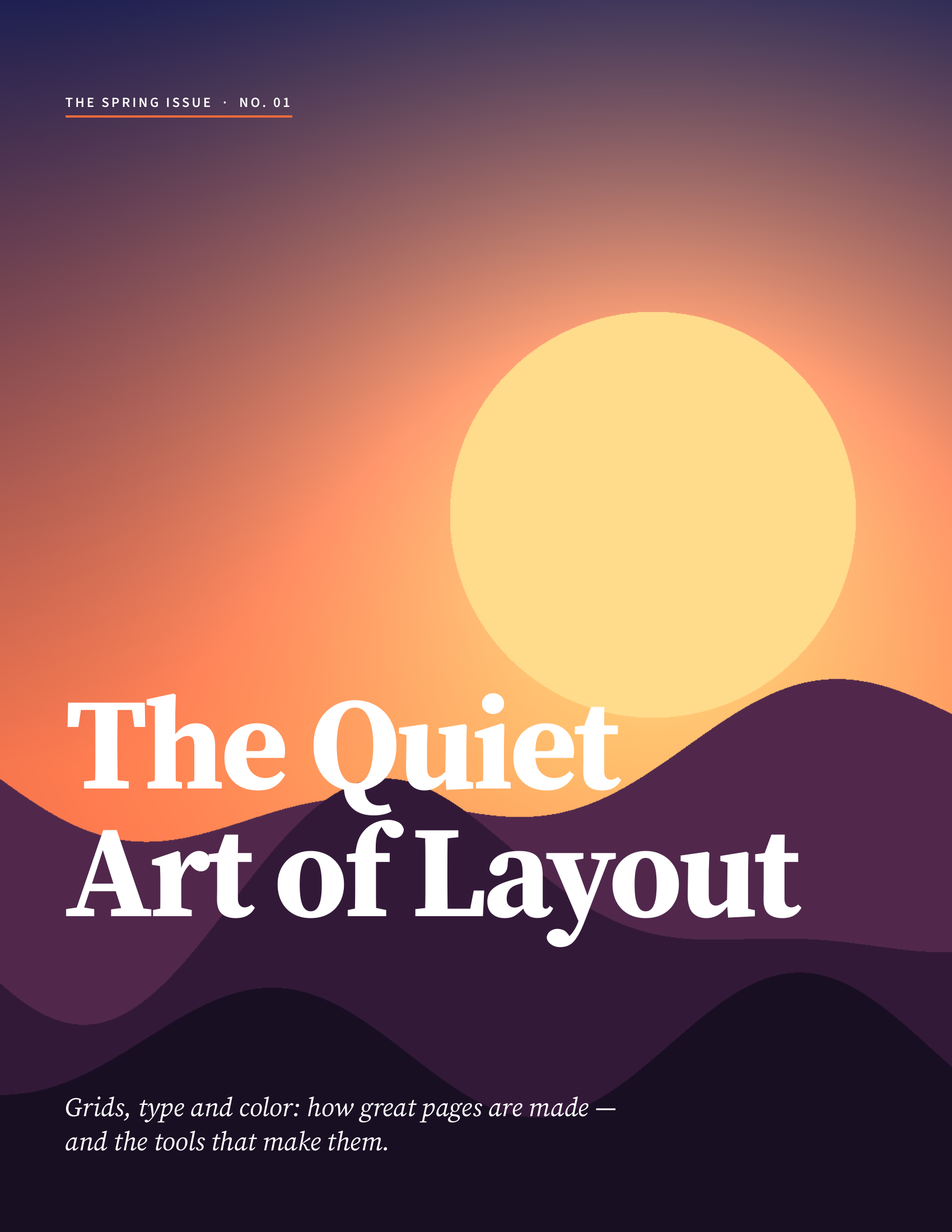
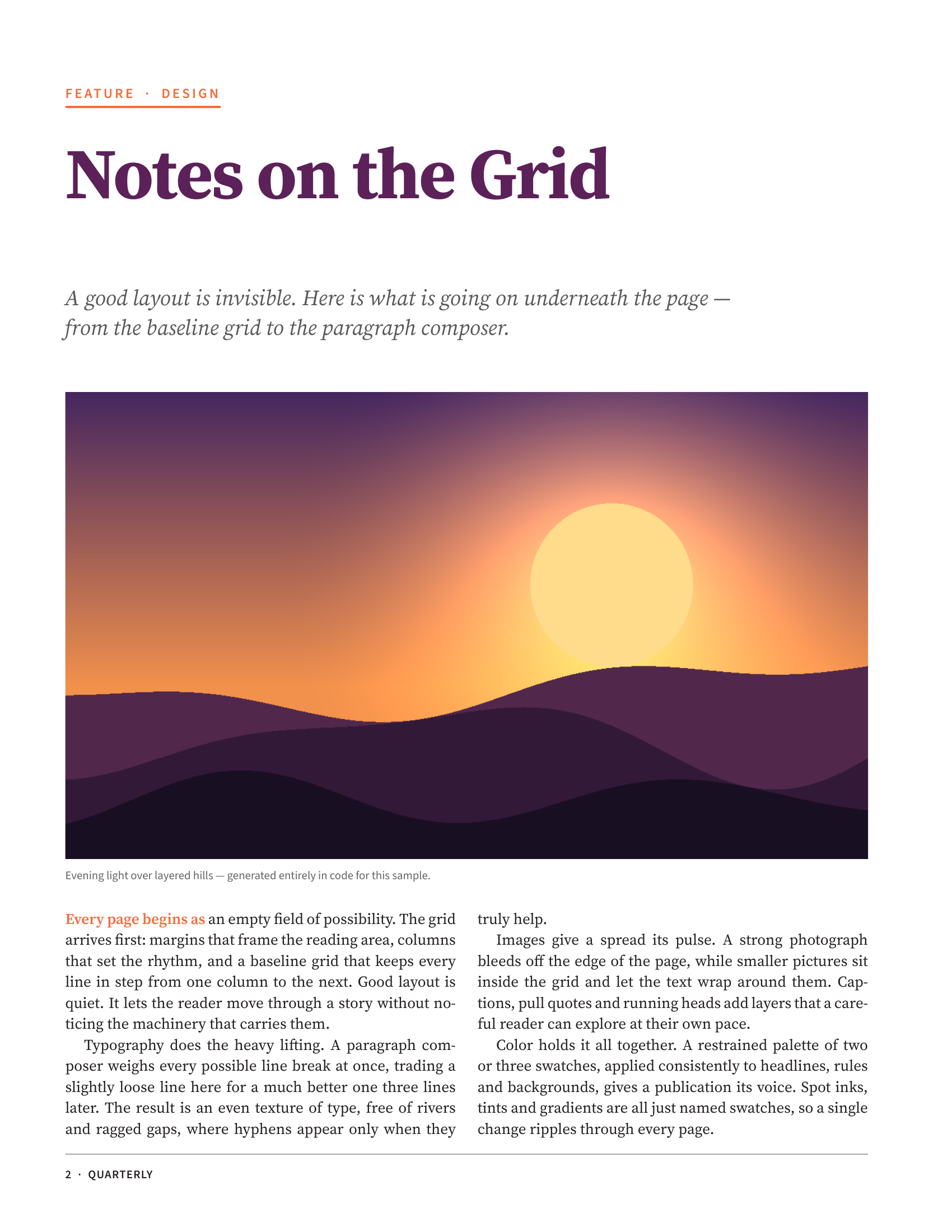
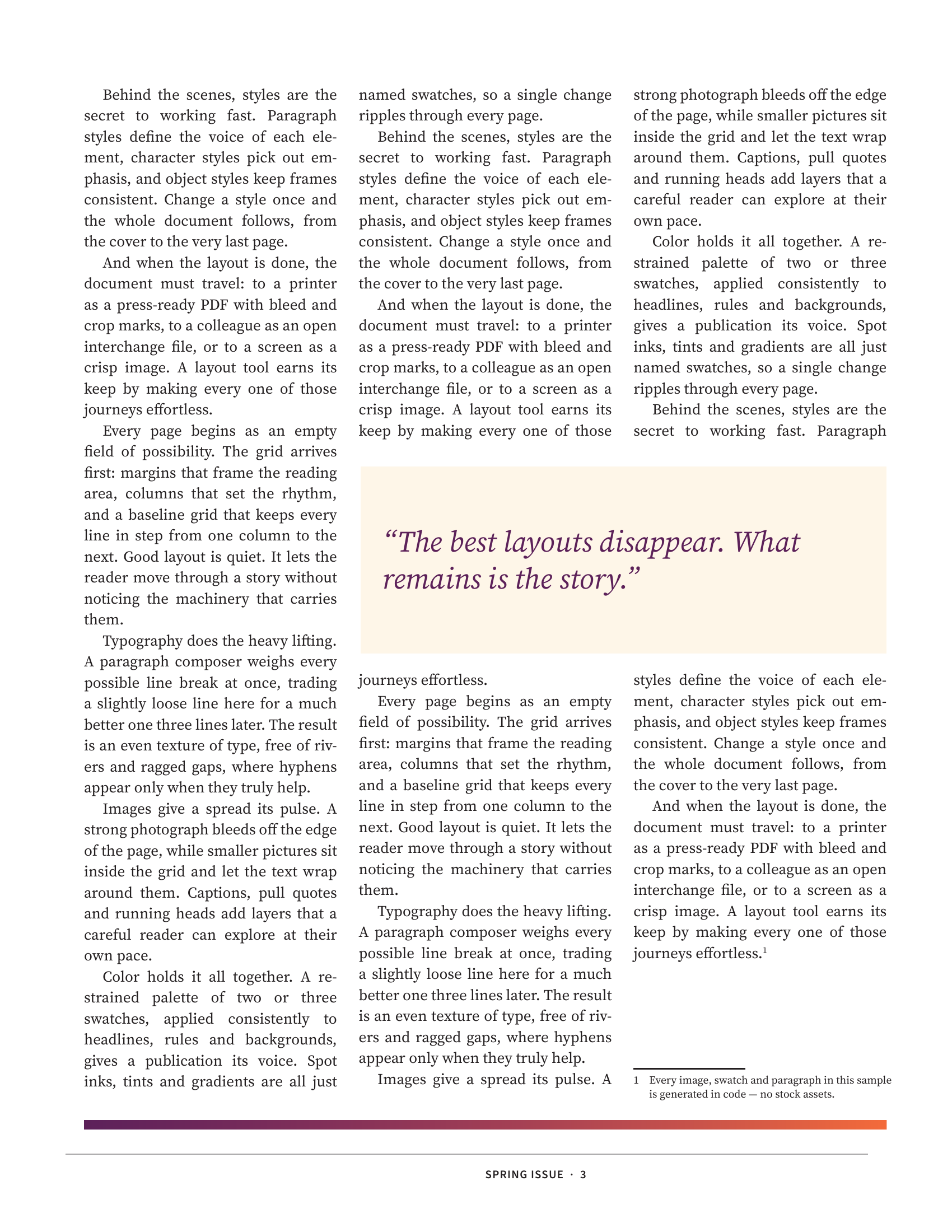
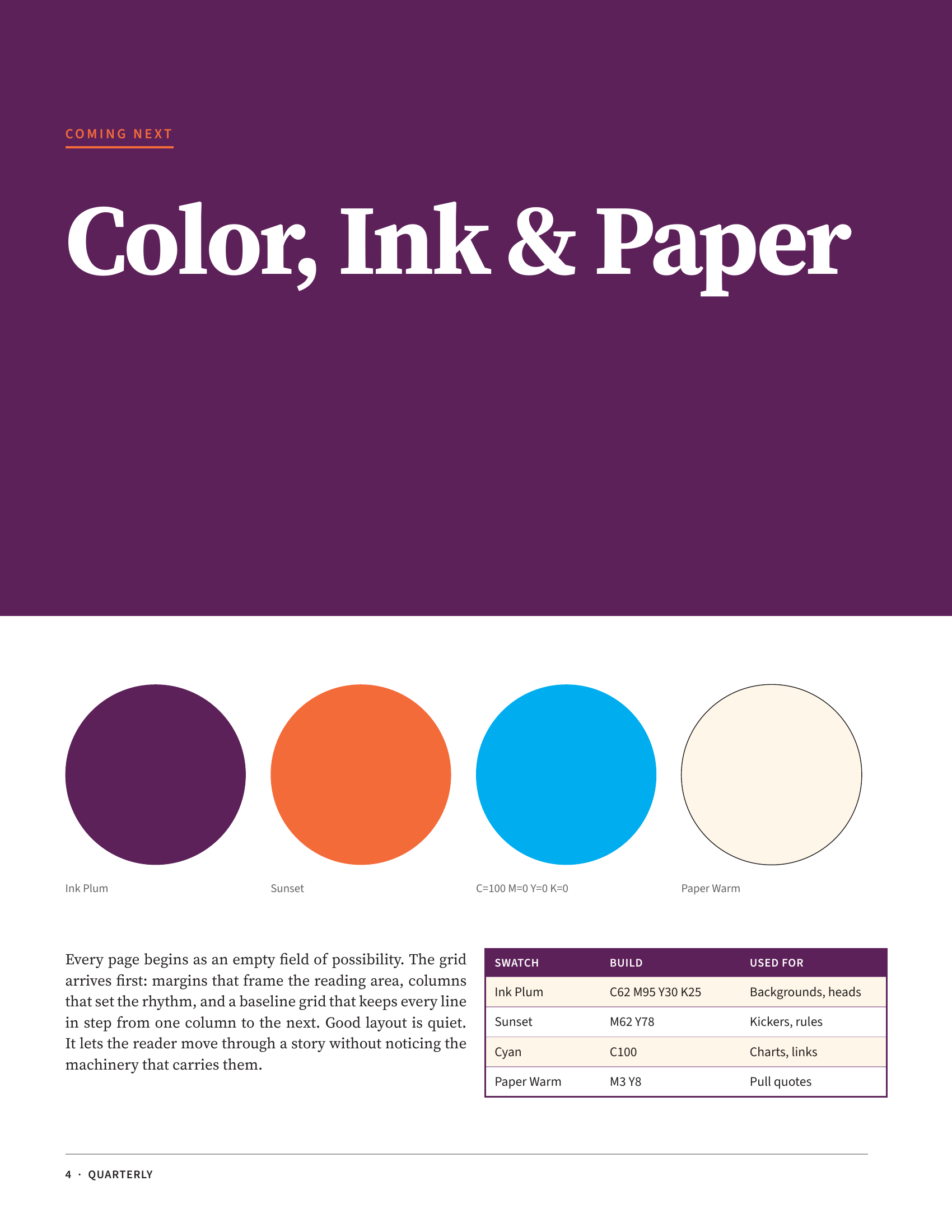
All four pages were rendered headlessly by designcraft-cli (630×810), with no GUI needed.
Three Ways to Automate
6.1 Scripted Runs (Multiple Steps)
designcraft-cli script steps.json --in my.designcraft \
  --save out.designcraft --export out.pdf --keep-going
--keep-going keeps going even if a single step fails, which helps long flows; you can also feed an array of command JSON via stdin.
6.2 Connect to the App (GUI ↔ CLI)
designcraft-cli app --port 7979 file.new '{"preset":"A4"}'
Without the App or its control port you'll get Connection refused — open the control port on the App side first (designcraft --control 7979), then let the CLI connect.
6.3 Mount as MCP (for Agents)
designcraft-cli mcp --connect 7979 --sample
Once it's an MCP server, an AI agent can call layout capabilities directly, with no human opening a GUI.
Performance and Benchmarks
designcraft-cli perf --pages 50 --runs 3 --strict
designcraft-cli bench my.designcraft --runs 5
In practice the four-page sample renders headlessly at single-digit to low-double-digit milliseconds per page (slower on first run, then stable) — entirely acceptable.
Next Steps
- For the asset-generation side, read ArtCraft Deep Dive: The AI-Generation App (macOS) and Where It Fits to see how ArtCraft produces images and hands off via files;
- For Office file automation, read OfficeCLI Deep Dive: Control Word, Excel and PowerPoint from the Command Line for the three-layer model and atomic batch;
- For IDML interop, prepare your fonts first (the
Document Fontsfolder) before moving to real documents.